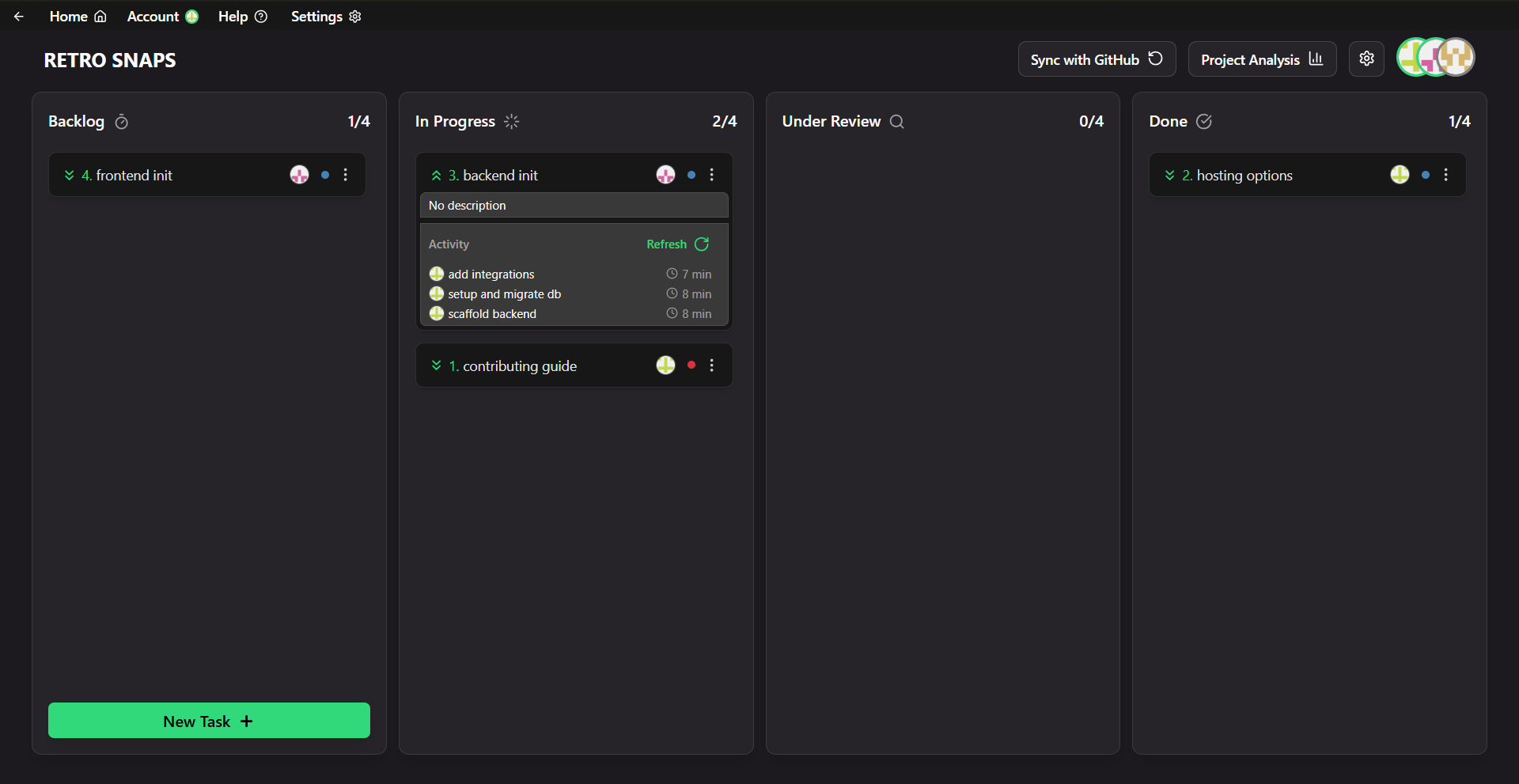
Usage
Follow in-app instructions to get started. In the event you get stuck, a help guide is available also in-app.
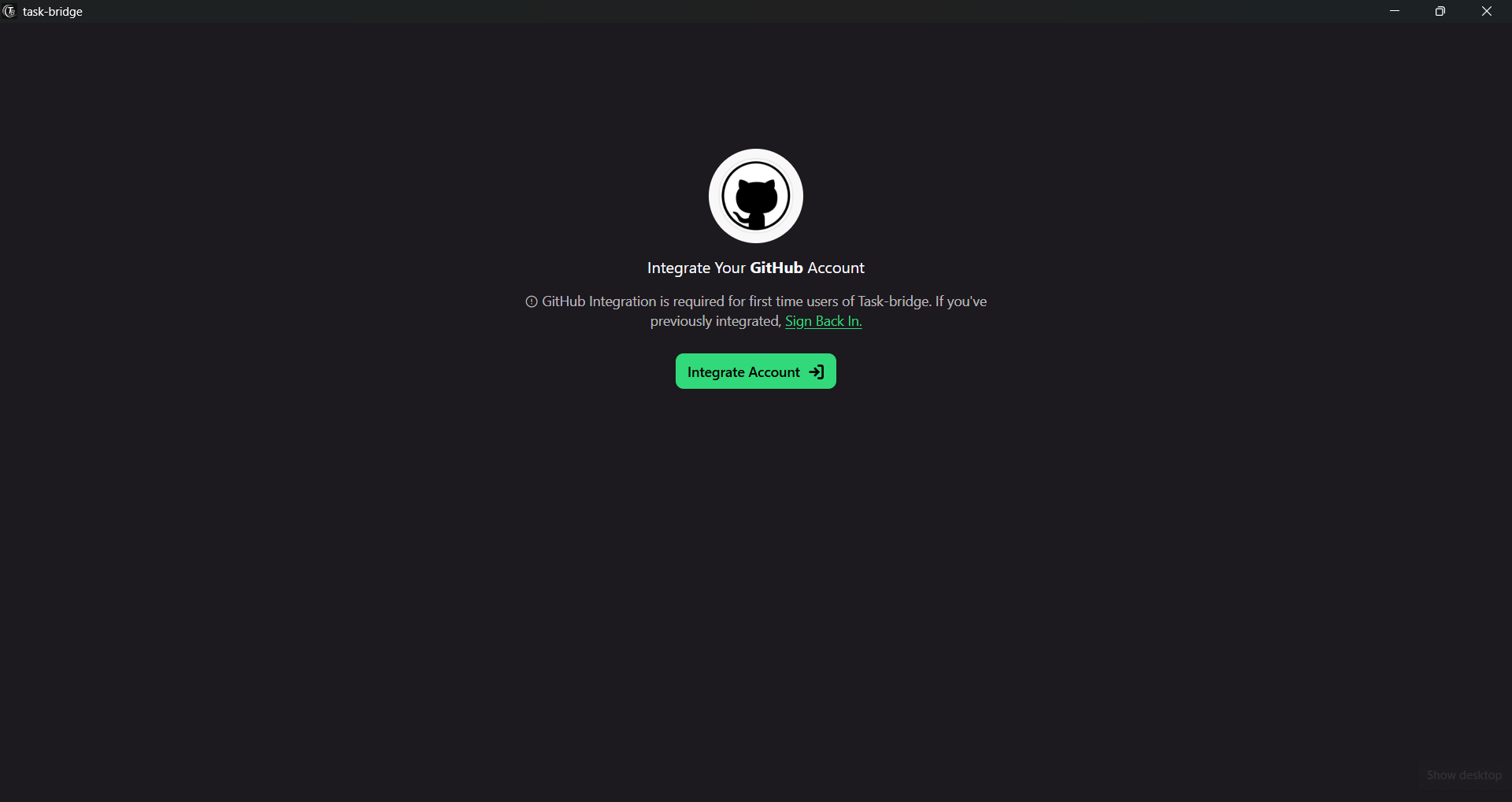
1. Login to your GitHub account
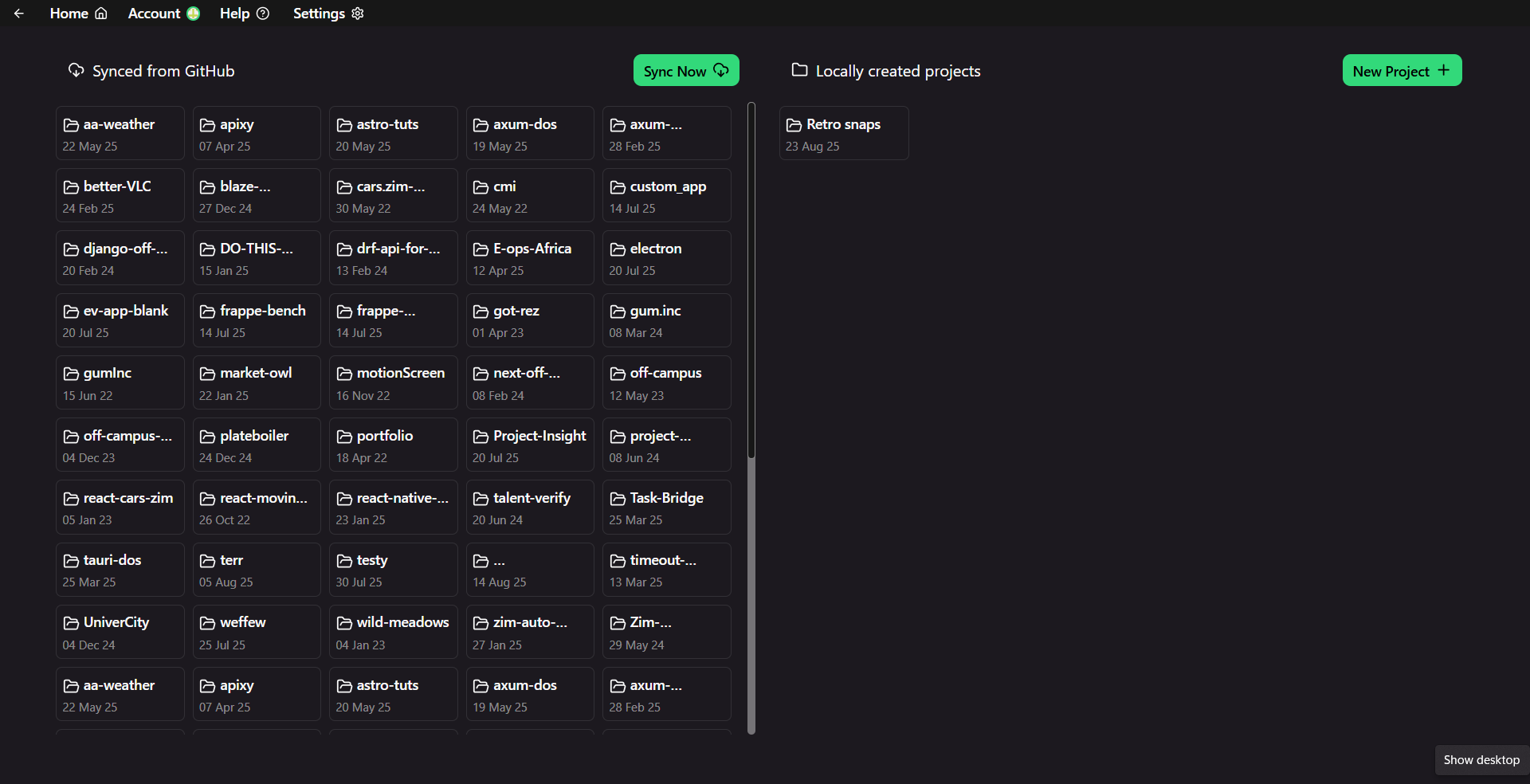
2. View your projects
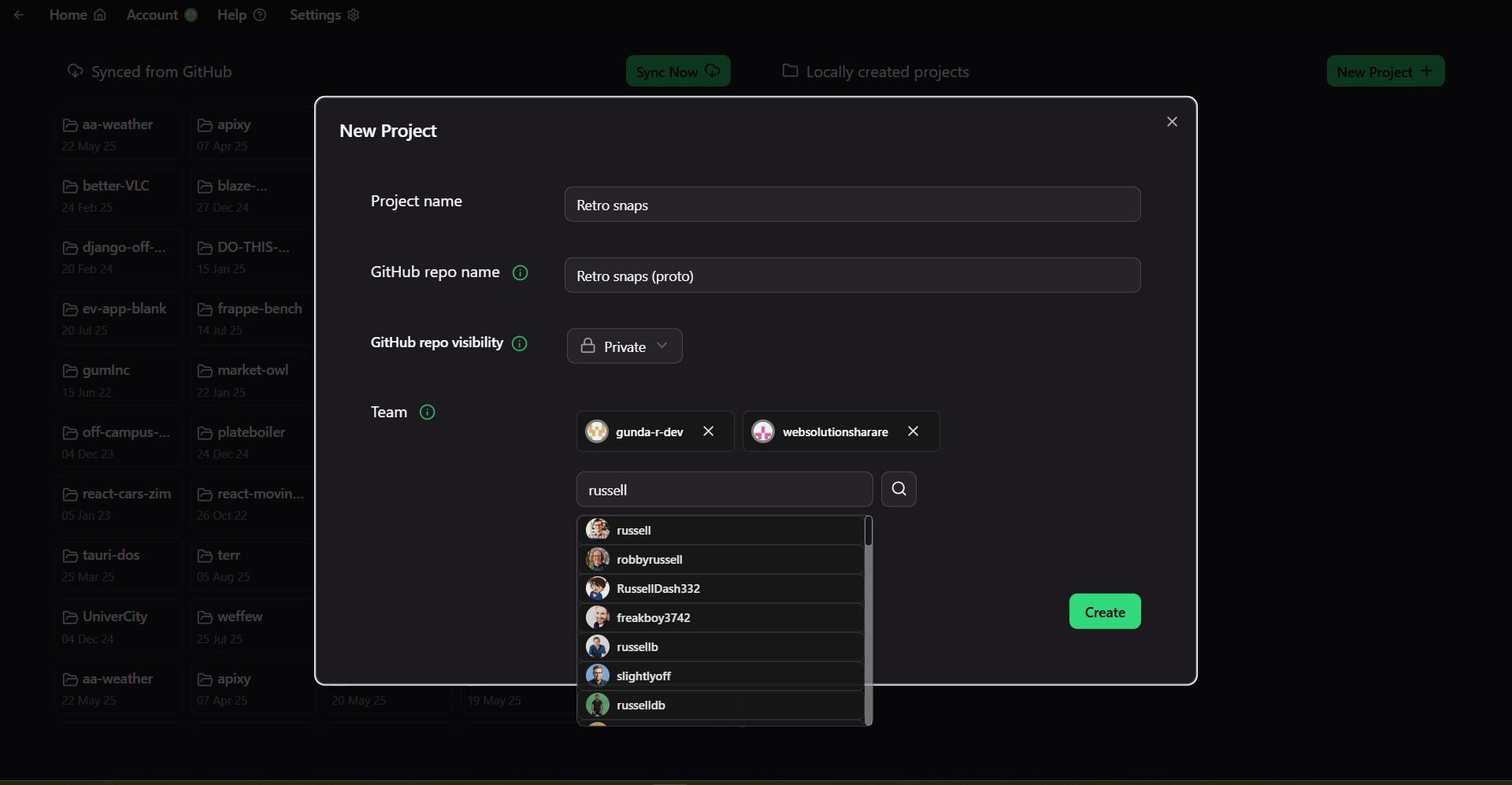
3. Optionally create a new project
4. Open a project dashboard
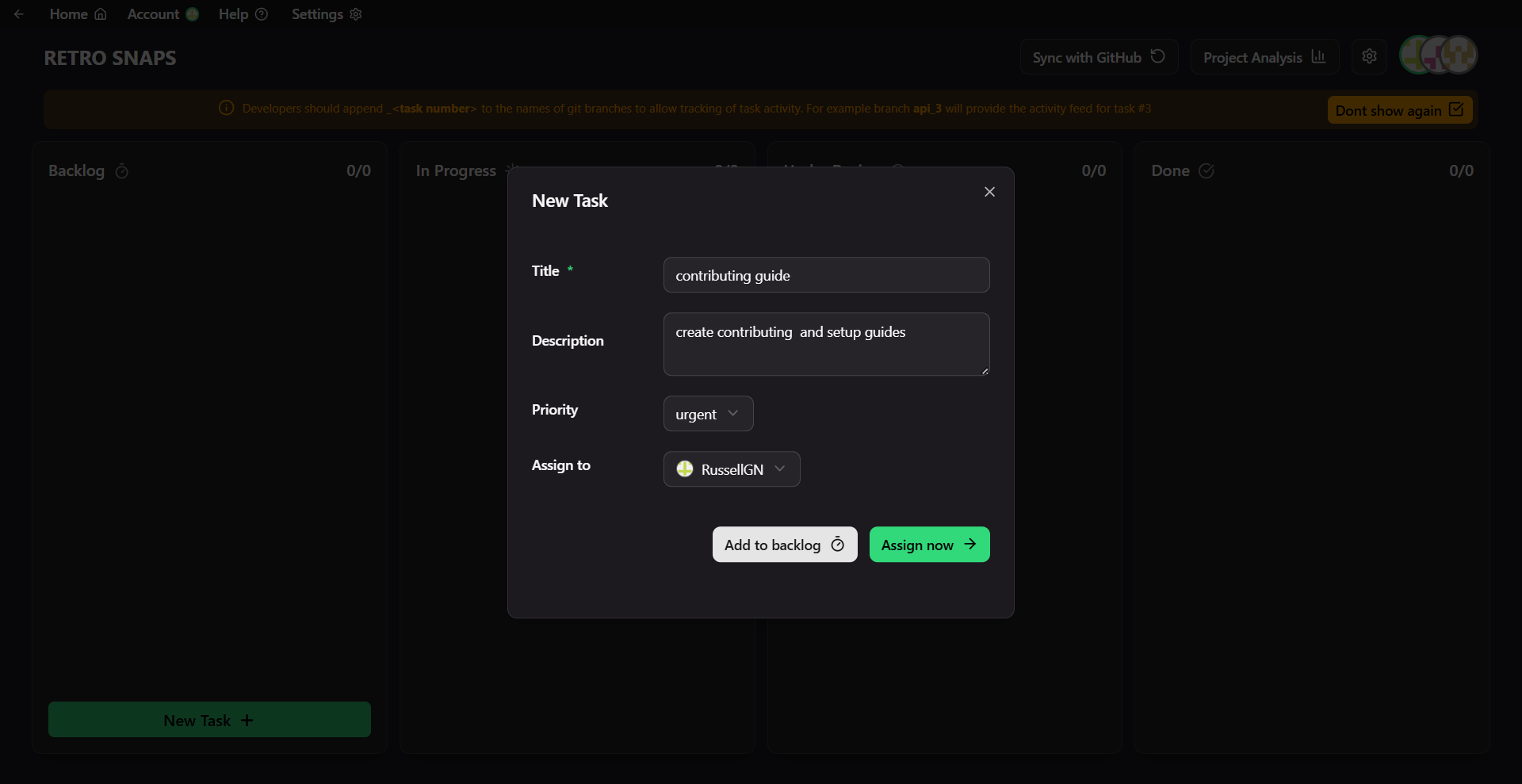
5. Assign & track tasks (GitHub issues)
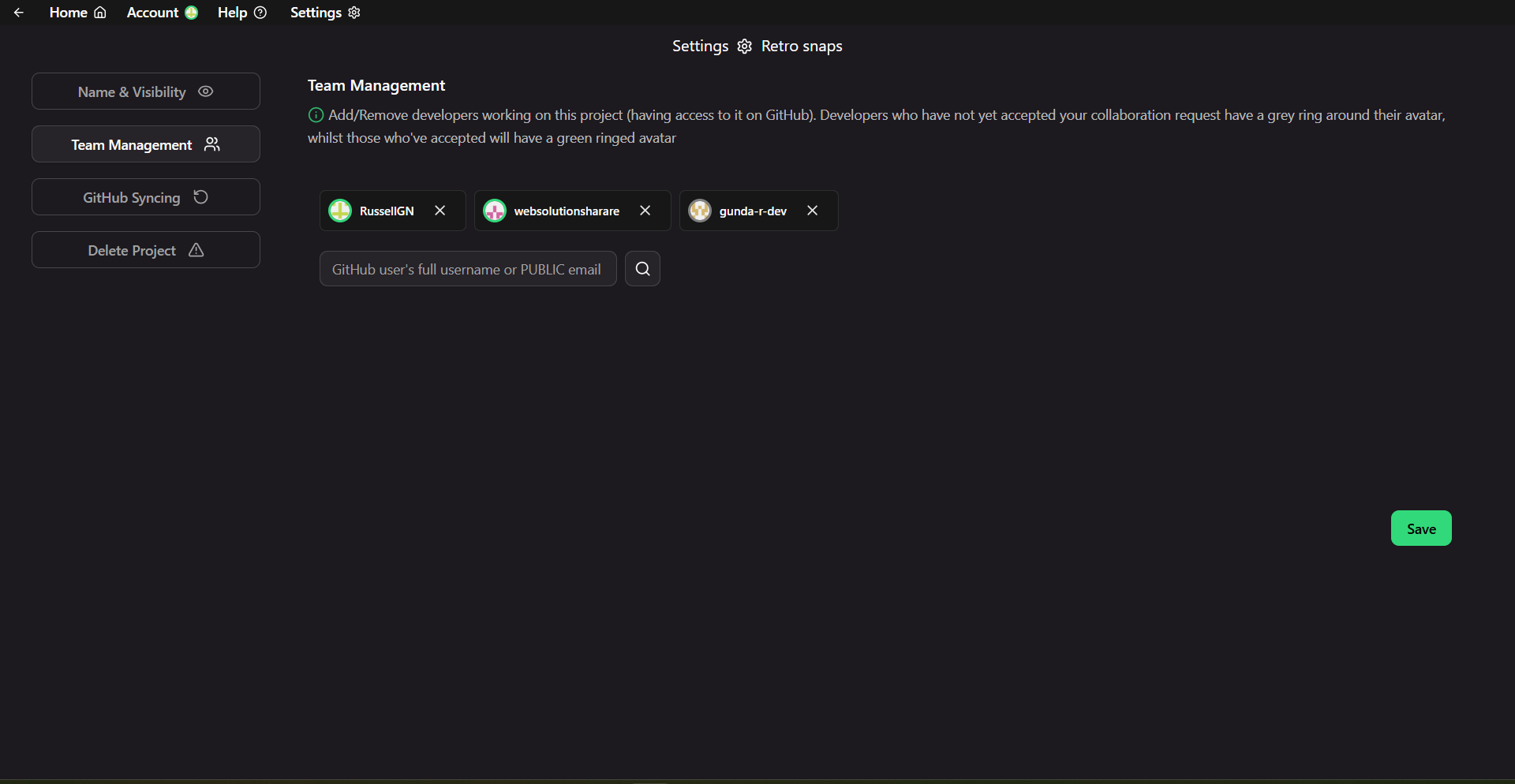
6. Manage project
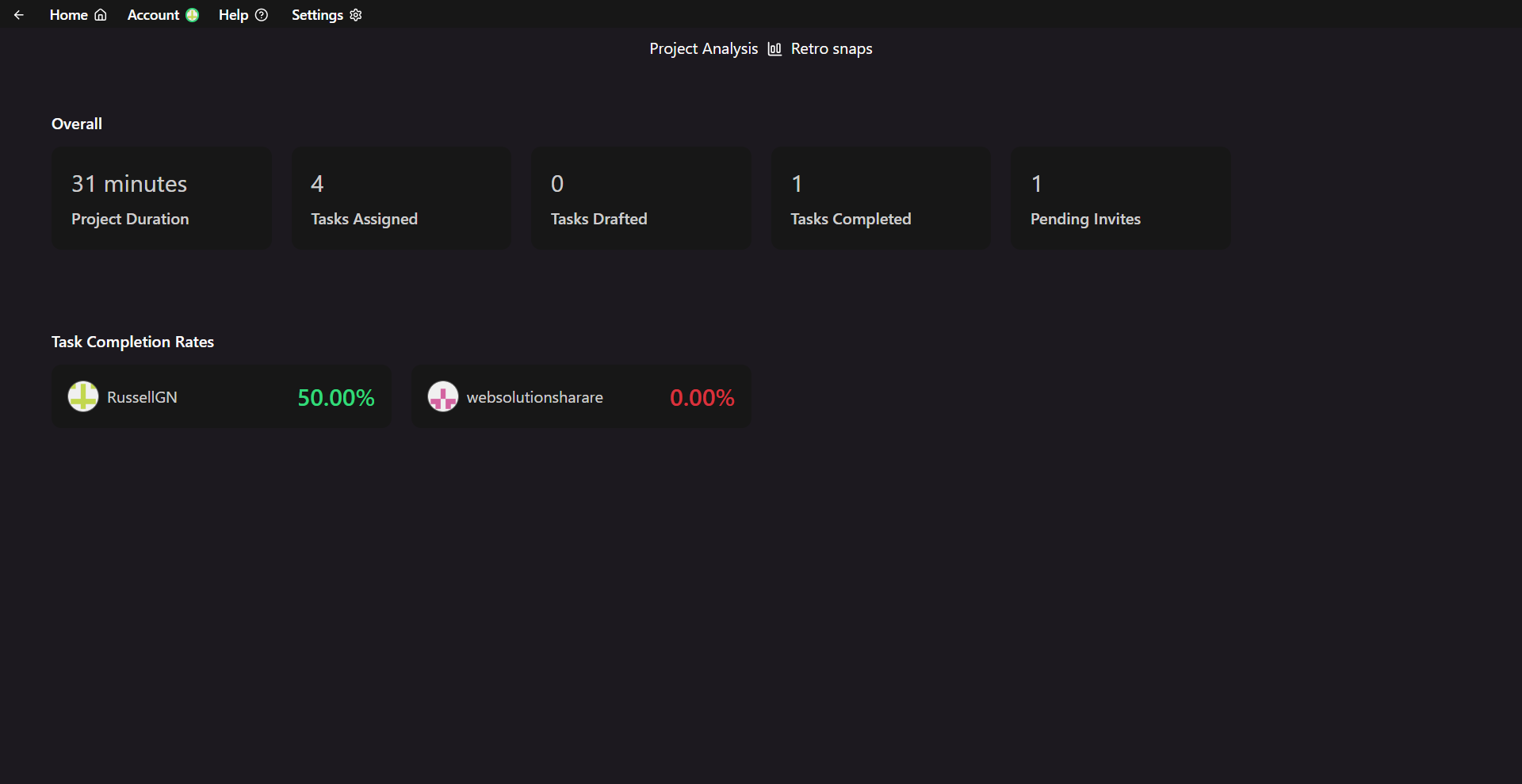
7. View project analytics
- keeps in sync with GitHub
- tracks git commits for each task
- automatically progresses status
- supports multiple accounts
+ More